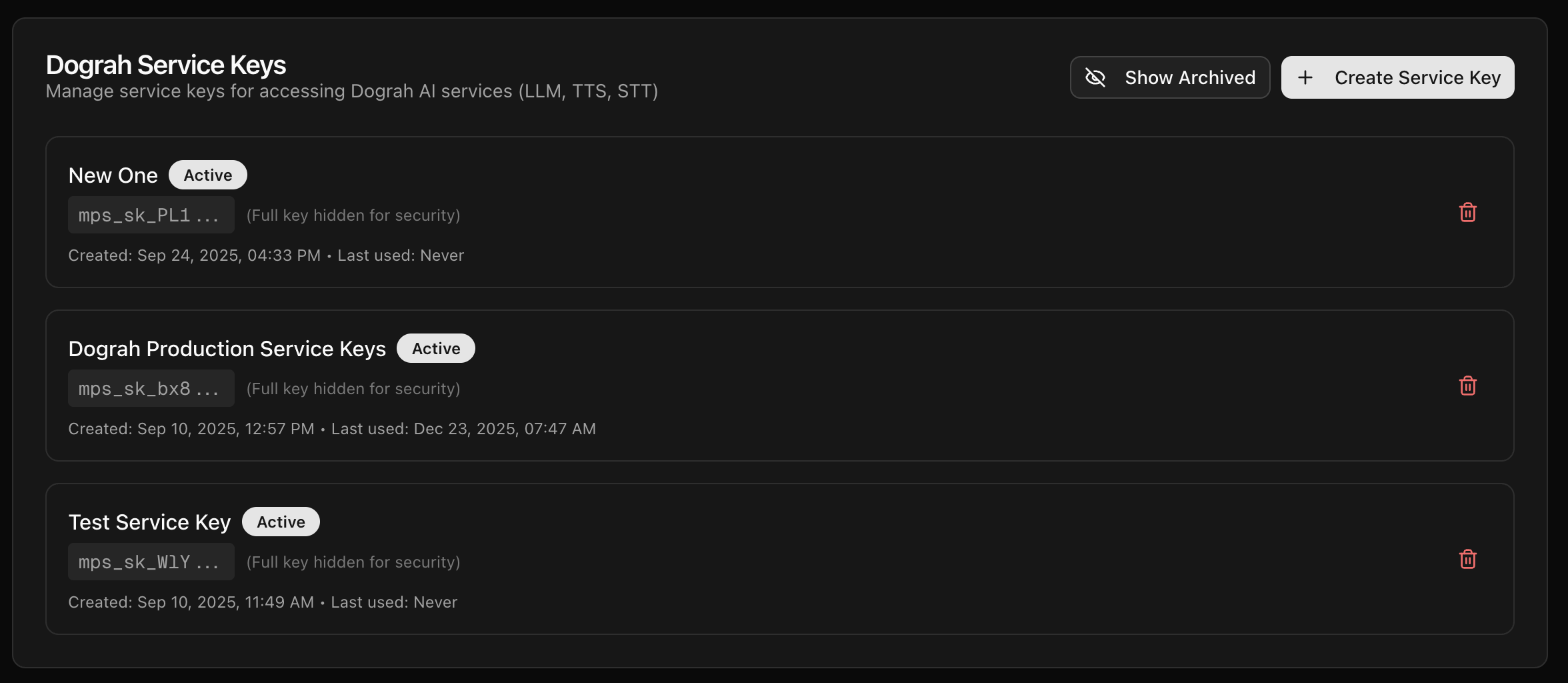
API Keys
API keys can be used to trigger a voice agent from an external system, like n8n or programatically from your other workflows. In order to generate that, you can go to/api-keys and create a new key.
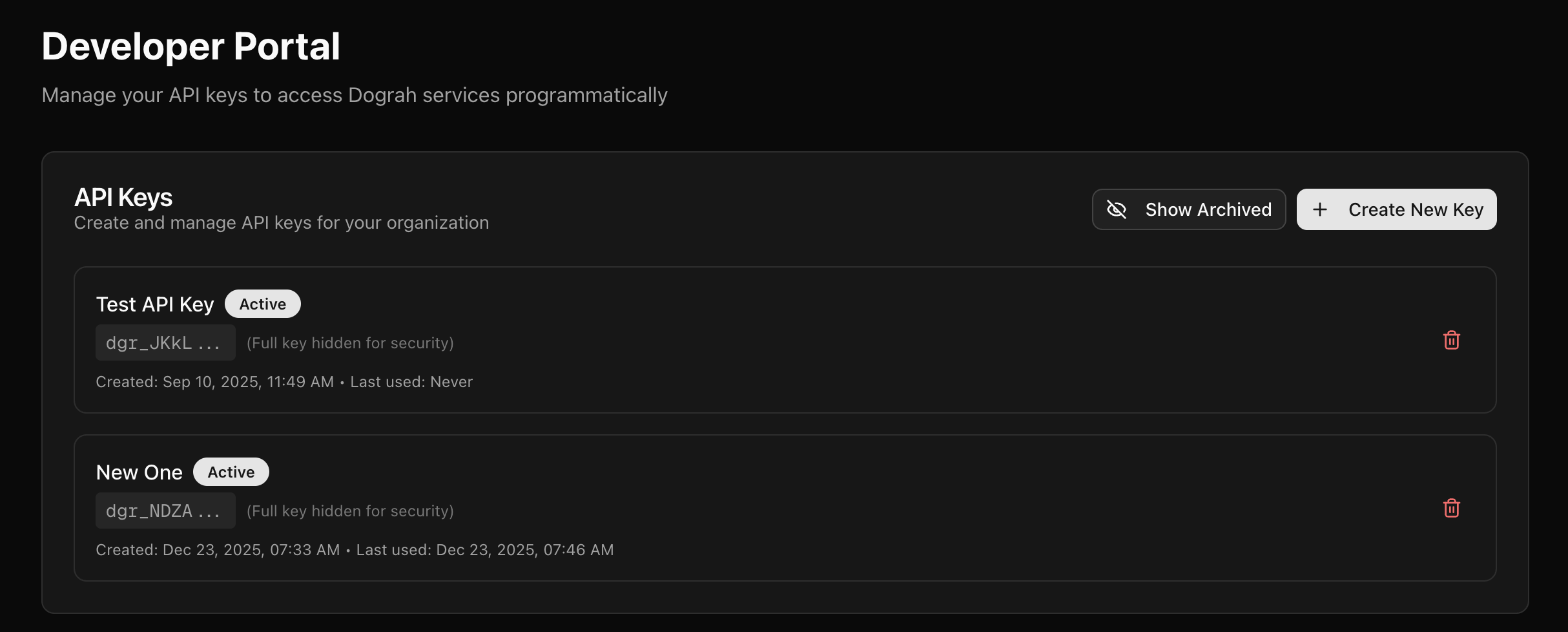
Service Keys
Service Keys are the keys which you generate to be used in Model Configurations. In order to generate that, you can go to/api-keys and create a new key.
You can use a Service Key created in Dograh Cloud (
https://app.dograh.com/api-keys) in your self-hosted Dograh deployment. Create the Service Key from your Dograh Cloud account, then paste it into Model Configurations in your self-hosted instance to use Dograh-managed inference providers. You can purchase Dograh credits in Dograh Cloud; billing happens on the Cloud account that owns the Service Key.